Momos Case Management helps businesses handle customer inquiries from multiple channels through a single, organized system. Automation minimizes manual work and improves response times, while collaboration tools keep teams aligned. Each Case can be customized with insights and routing rules to ensure inquiries reach the right teams quickly and are easy to track and respond to.
Types of Cases
各ケースタイプはどのように機能しますか? 下のタブをクリックして展開し、各アイテムの詳細を確認してください。
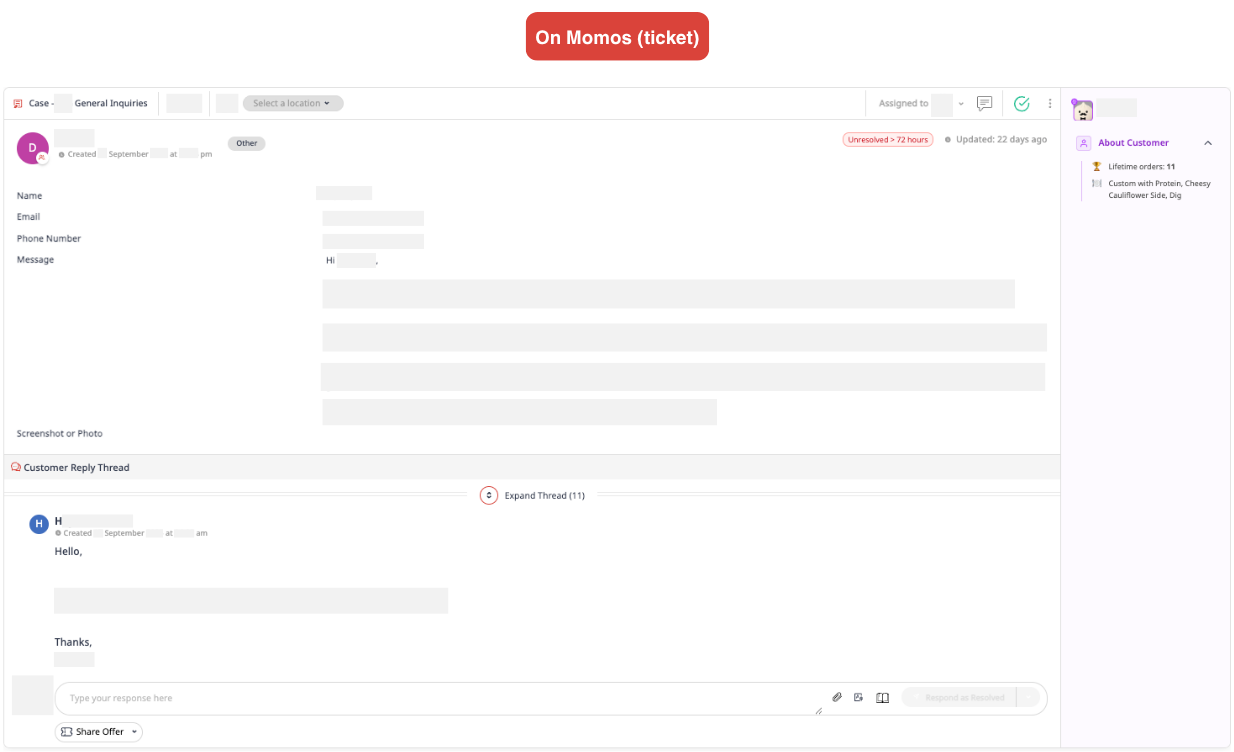
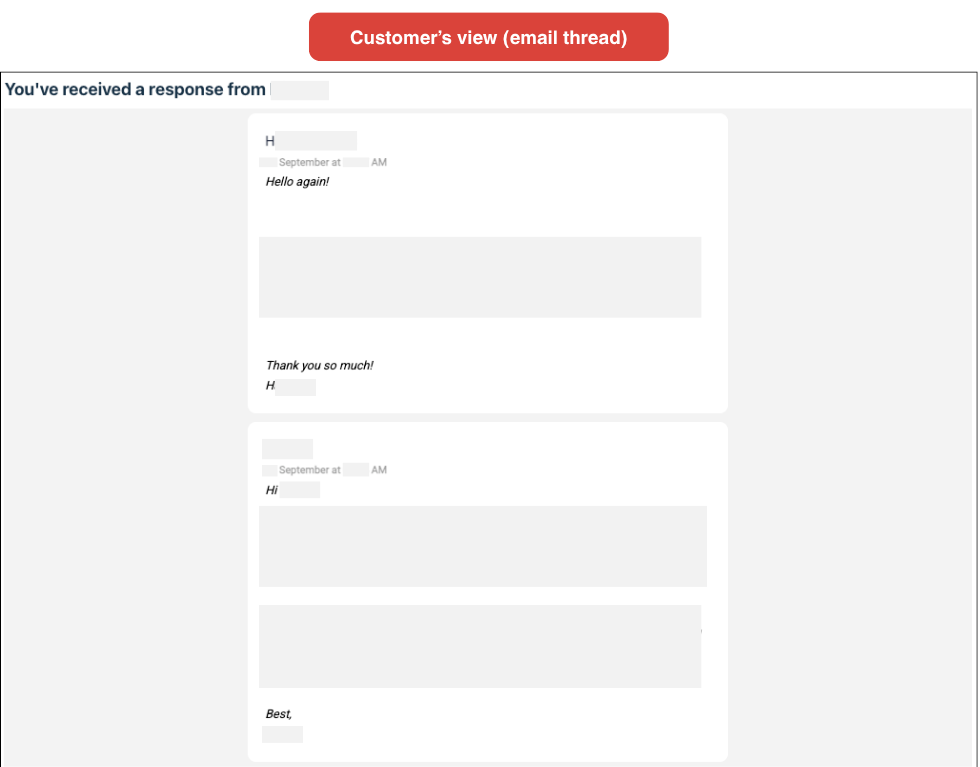
メールケース 自分のドメインからのメールをMomosの受信箱に直接転送することで機能します。
Contact Us Page
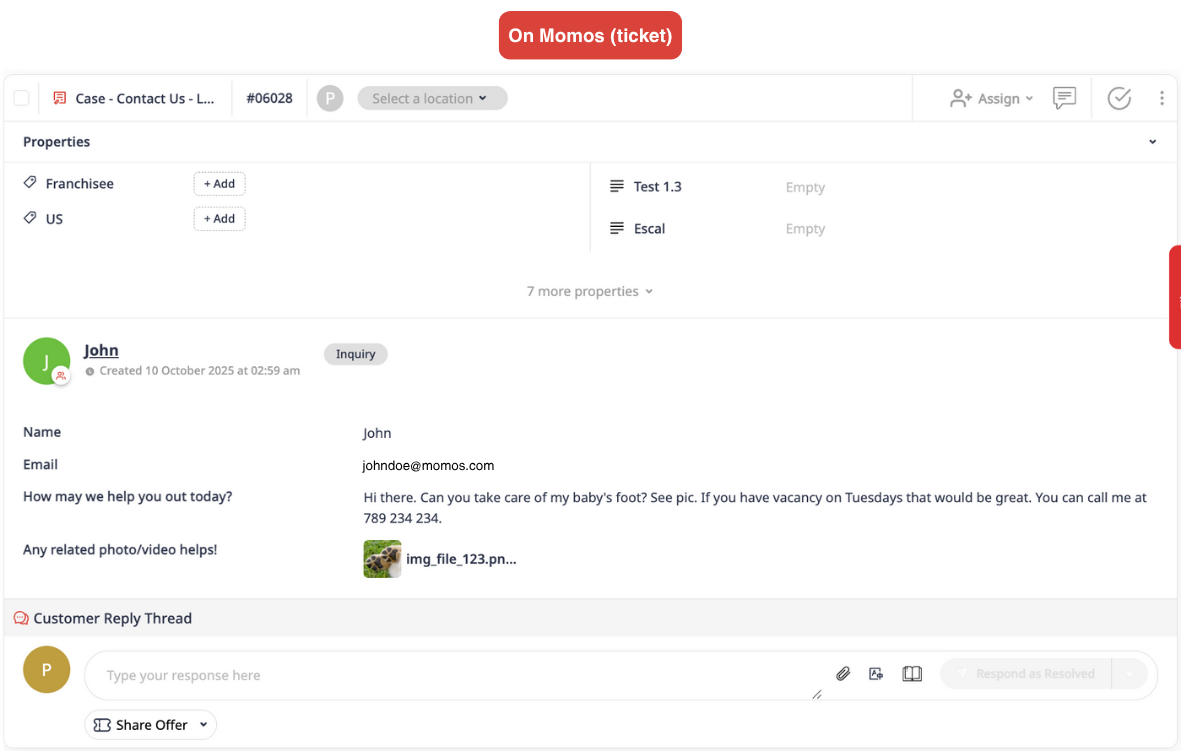
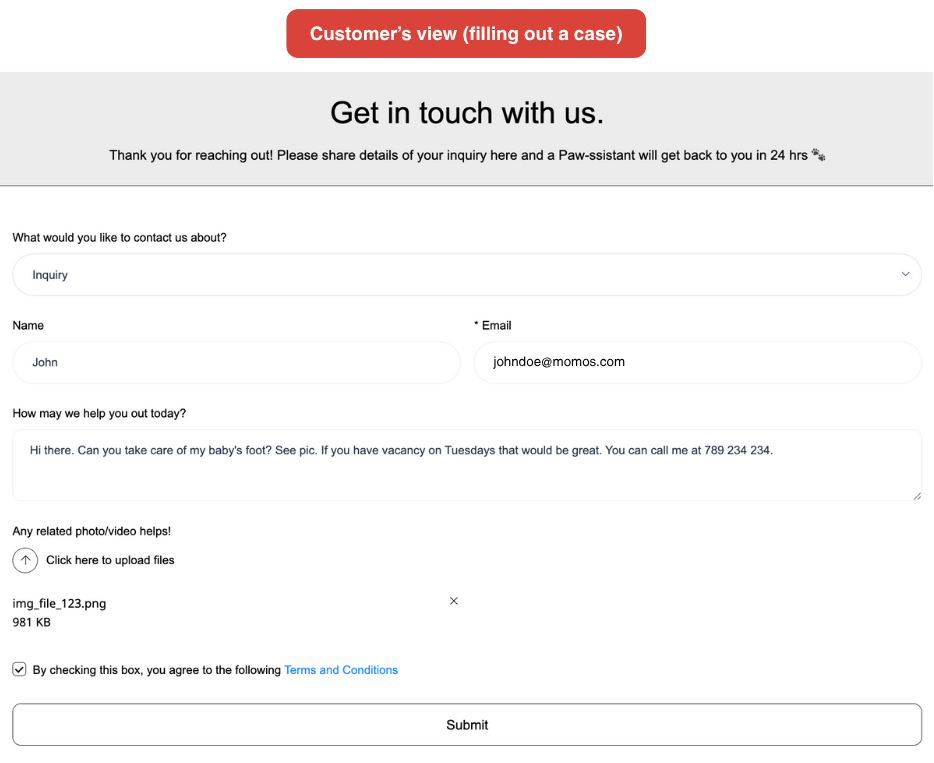
お問い合わせページケース 問い合わせを収集できます。デフォルトで使用可能な問い合わせタイプと質問がありますが、これらは無効にできます (名前とメールアドレスを除く) またはさらにカスタマイズできます。追加の問い合わせタイプも作成できます。
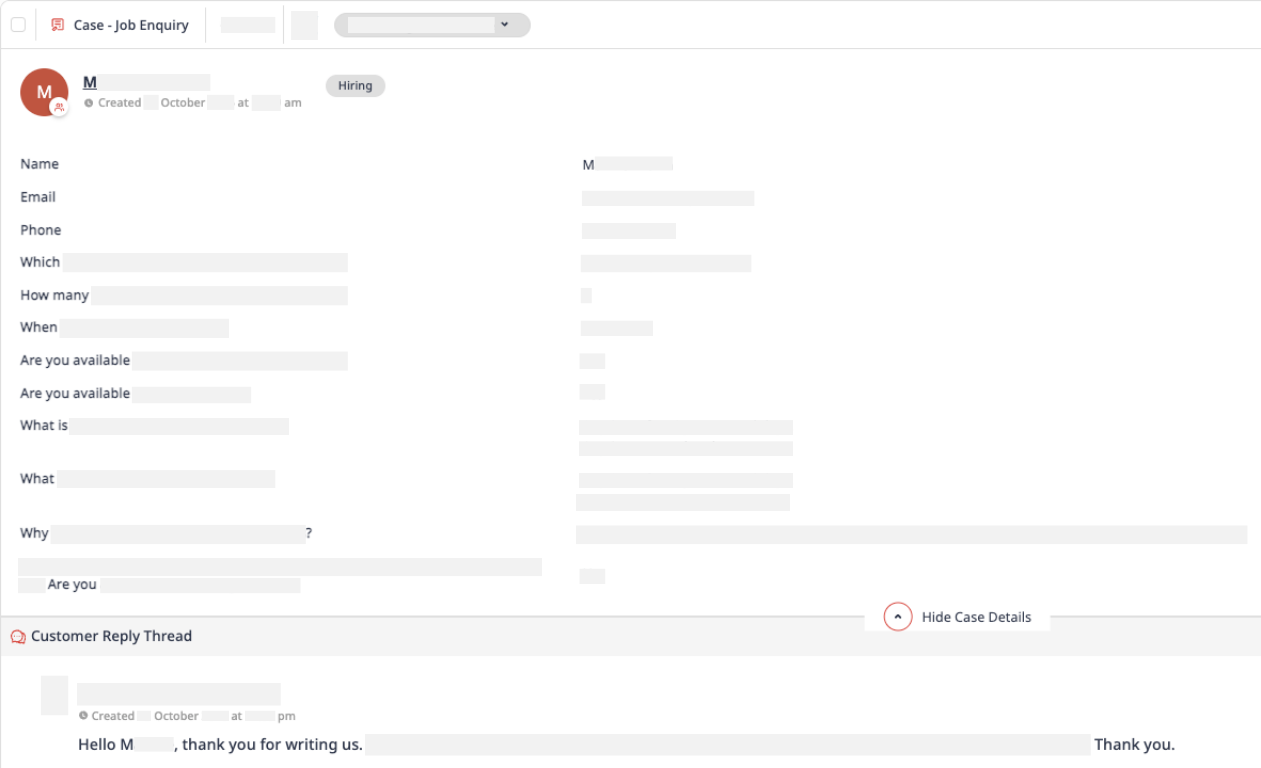
ケースは特定のビジネスニーズに合わせてカスタマイズできます。この例では、ケースが採用フォームとして使用され、採用チームのみに特定して割り当てられています。
カスタム受信箱チケット
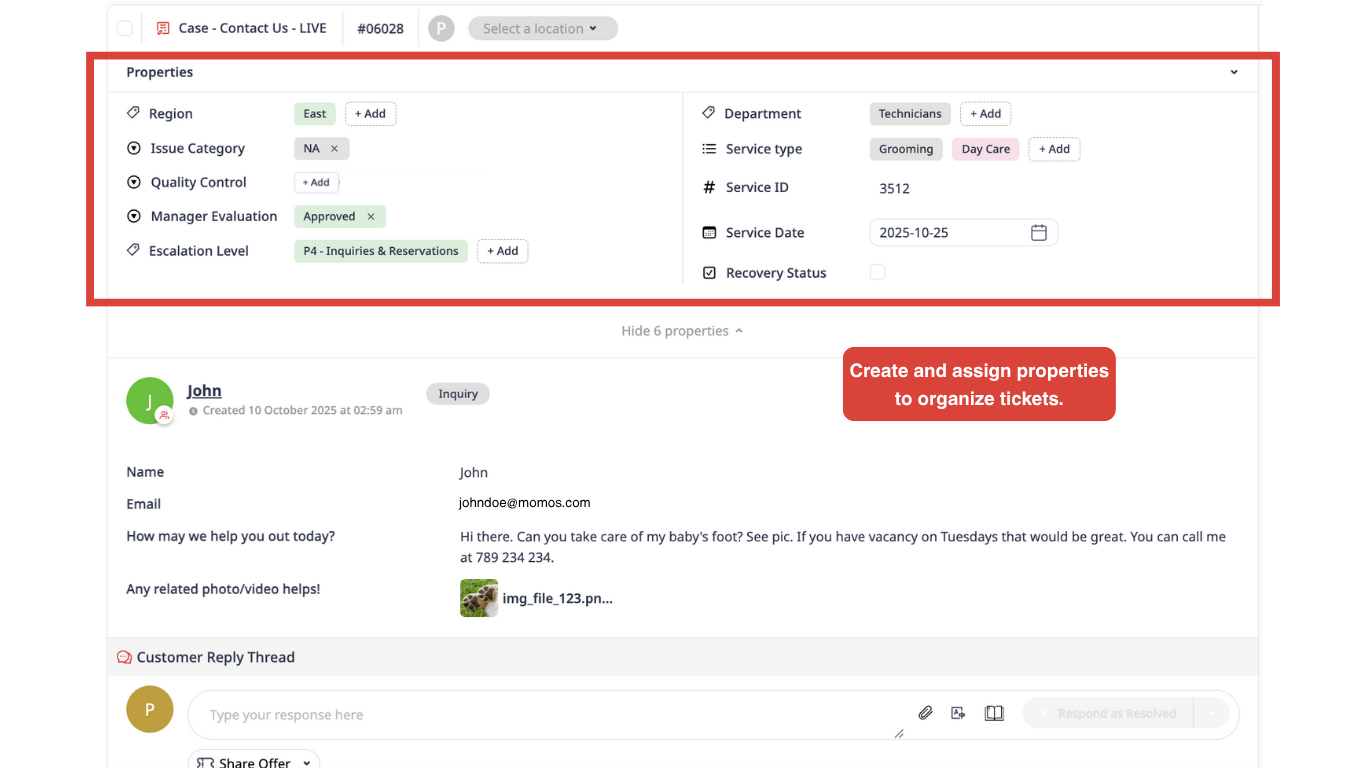
カスタム受信箱チケット が可能になります チケットプロパティの作成と割り当てが可能で、顧客とのインタラクションを分類・整理しやすくなります。この柔軟性により、より良いセグメンテーションとワークフロー効率が促進されます。ユーザーはチケット作業中にリアルタイムでこれらのプロパティを簡単に更新でき、自動保存と確認通知が行われます。その仕組みについての解説はこちら ➔ ウォークスルービデオ
Zendesk Cases (enterprise only)
ZendeskチケットをMomosに転送します。エンタープライズアカウントのみ利用可能です。
ケースへのアクセスと管理
移動してください ツール → ケース。 アカウント管理者が設定した ケースの権限 に応じて、ケースの作成、編集、共有、オープン、回答の分析、または無効化を行うことができます。
Walkthrough
次のステップは?
次の記事で機能について詳しく説明します。問い合わせを効率化する準備はできていますか? 最初のケースの作成!
この記事は役に立ちましたか?
それは素晴らしい!
フィードバックありがとうございます
お役に立てず申し訳ございません!
フィードバックありがとうございます
フィードバックを送信しました
記事の改善におけるご協力ありがとうございます。